
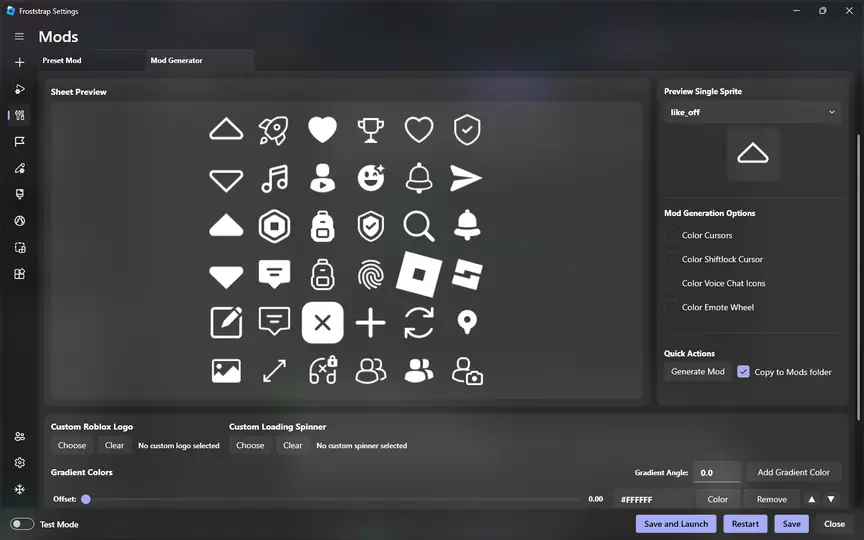
Which Froststrap file should you download?
The current release provides a Windows executable named Froststrap-v1.5.0.exe. The download control on this page points to the asset attached to the latest public release under Froststrap/Froststrap. froststrap.wiki does not rename, rebuild, bundle or mirror the installer.
Before running the file, compare the version in the button, the release tag on GitHub and the filename in your browser's download list. If any of those values differ unexpectedly, cancel the installation and return to the repository's Releases page.
- Use the latest stable release rather than an unknown mirror.
- Confirm the browser remains on
github.comorobjects.githubusercontent.com. - Keep Windows Security or your chosen antivirus enabled.
- Read the release notes when updating from an older build.
How the latest download is selected
The site reads the project's public GitHub Releases API and selects an executable whose filename begins with the current Froststrap release tag. The result is cached to avoid repeatedly consuming GitHub's public API allowance. If GitHub is temporarily unavailable, the site uses the last verified release details rather than choosing an unverified third-party URL.
After you click a download button, a 15-second confirmation panel shows where the file comes from. When the countdown ends, the browser navigates to the official asset. The file never passes through froststrap.wiki's server.
Install after downloading
Close any running Roblox session before opening the installer. Review the Windows security prompt, verify the publisher and file path shown by the operating system, and continue only when the details match the release you intended to download.
Froststrap can expose many configuration choices. Start with the defaults, launch Roblox once, and change one option at a time. This makes it much easier to identify the cause if a setting later prevents Roblox from launching.
Save the EXE
Let the official GitHub download complete and keep the original filename.
Review the file
Compare the release tag, filename and file size with this page.
Run Froststrap
Open the executable and read the Windows prompt before allowing it to continue.
Launch with defaults
Complete a basic Roblox launch before applying mods or advanced flags.
Updates and older versions
Use the latest stable build for normal installation because it is the version maintained by the project at the time of download. Older releases may remain on GitHub for changelog review or recovery, but they can contain fixed bugs, outdated Roblox behavior or unsupported options.
Do not create a collection of installers from unrelated download sites. If a new release causes a problem, review its release notes and open issues, then use the project's own release history if you deliberately need to test an earlier version.
Froststrap download checklist before installation
This Froststrap download checklist before installation is designed for users who want a repeatable way to validate each new release. Begin on the public repository, open the latest stable Release, and compare the tag with the version displayed on this page. Confirm that the attached asset is an executable whose name follows the Froststrap version. The final address should remain on GitHub infrastructure; a redirect through an unrelated file locker is not part of this workflow.
A correct Froststrap download should arrive with its original filename. Do not rename the installer before checking it, because the version-bearing name is one of the easiest details to compare with the Release page. File size can vary when the project publishes a new build, so use the size shown for the same release rather than treating one historical number as permanent.
Use the Froststrap download checklist before installation every time you obtain a newer build. A familiar interface or filename does not prove that two files have the same origin. Keep Windows protection active, review recent project issues, and stop if your browser unexpectedly asks you to install a download manager, extension or unrelated application.
Choose between the latest release and release history
The latest Froststrap download is the sensible default for a new installation because it represents the project's current stable release. It is also the first version maintainers are likely to consider when investigating a report. Starting with an older build can reproduce a bug that has already been fixed or expose options that no longer match Roblox.
Release history still has a legitimate purpose. It lets you read how features changed, identify when a regression appeared, and compare current notes with an earlier configuration. If you deliberately test an older version, download it only from the same repository's Releases area, record the version you used, and do not present it as the recommended Froststrap download for other users.
Never choose a build because another site labels it “premium,” “unlocked” or “FPS boosted.” Froststrap is open source, and a repackaged executable can add changes that are absent from the public source and release notes. The most trustworthy Froststrap download process is transparent: repository, tag, asset and destination can all be inspected.
After the Froststrap download completes
Open the browser's download list and compare the saved filename, extension and source. Move the file only after those details are clear. Close Roblox and any other bootstrapper, then open the installer from a normal local folder. Read the Windows prompt rather than approving it from habit.
Complete one launch with default settings before enabling mods, custom flags, channels, backgrounds or account tools. A clean first launch proves that the basic Froststrap download and setup path works on your computer. It also creates a useful baseline: when a later option causes a failure, you know the installer and normal launch had already succeeded.
Keep a link to the current Release rather than storing a collection of installers indefinitely. When the project publishes an update, read its notes, repeat the same source checks, and replace shortcuts that point to obsolete files. This approach keeps the Froststrap download workflow current without relying on a third-party mirror.
For support, record the exact release, filename and Windows version before changing configuration. Those details let another person distinguish a download problem from a setup or Roblox issue. Never publish account credentials, session cookies or private security logs while asking for help.
Froststrap download questions
Is Froststrap free to download?
The public repository is open source and its releases are available from GitHub without a purchase on this site.
Does froststrap.wiki host the EXE?
No. Download buttons redirect to the executable attached to the public Froststrap GitHub Release.
Can I download an older Froststrap version?
Older releases may be available in the GitHub release history, but the latest stable version is the recommended starting point for a normal installation.
Official release asset
Ready to download Froststrap?
Confirm the release information above, then continue to the executable published on GitHub.
Download v1.5.0